Install in minutes
Install from Steam, run setup once. It registers the engine root, associates .femproj files, puts the tools on your PATH and creates a Ferrite Hub shortcut. Uninstall removes only what it installed.
Ferrite SDK is the binary distribution of the Ferrite game engine. Install it from Steam, run setup, and start a project in Schematic visual scripting or C#. The same editor, networking and renderer as the full engine, with no engine source and no compiler toolchain to set up.
The SDK is a curated cut of the full engine, distributed through Steam. It ships prebuilt tools, the engine runtime, compiled shaders for both renderers, the managed host, templates and docs. Projects you make with it are plain folders you can zip, copy and version.
Install from Steam, run setup once. It registers the engine root, associates .femproj files, puts the tools on your PATH and creates a Ferrite Hub shortcut. Uninstall removes only what it installed.
Schematic projects need no compiler at all. C# projects need only the .NET 10 SDK from Microsoft. Both can live in the same project and both reach the same engine API.
Package Project cooks content, stages the runtime and writes a standalone game folder plus an optional zip. Your game ships without a project DLL and without the SDK.
Every project runs on a fixed-tick, server-authoritative simulation. Host or join LAN sessions from your game with prediction and replication handled by the engine.
The SDK carries its own build tool and records every binary with a hash receipt. Move the folder, re-run setup, keep working. Project files never store machine paths.
Ferrite Hub shows detected engine roots, versions, tool and shader status and copyable repair commands. It never runs repairs behind your back.
Schematic is Ferrite's visual scripting system. Create a Schematic Class from Actor, Pawn, Character, First Person Character, Third Person Character or Game Mode, add components, wire a graph, press Play. Graphs compile to bytecode and run inside the engine's VM.
using Ferrite.Managed;

[UClass(SchematicType = true, Schematicable = true)]
public sealed class EngineHum : Actor
{
    AudioSample? clip;
    AudioVoice? voice;

    protected override void OnStart()
    {
        var loaded = World.Audio.TryLoad("audio/engine_hum");
        if (!loaded.Succeeded) return;
        clip = loaded.Value;
        var playing = World.Audio.TryPlay2D(clip, new(Loop: true, Gain: .25f));
        if (playing.Succeeded) voice = playing.Value;
    }

    protected override void OnUpdate(double seconds)
    {
        if (voice is not null) _ = voice.SetPitch(1.1f);
    }

    protected override void OnStop()
    {
        voice?.Dispose();
        clip?.Dispose();
    }
}
C# classes marked Schematicable appear in the Schematic parent picker, so designers can extend programmer-written classes in graphs. Press Build C# Classes in the editor, then Play. Actors, Game Modes, UI widgets, audio and LAN sessions are all reachable from managed code.
Five executables, all prebuilt in Release. Every tool is project-aware and works from a .femproj.
| Executable | Role | What it does for you |
|---|---|---|
| FerriteHub | Project browser | Create projects from templates, open recent ones, choose the registered engine, launch the editor or the game. Hosts the Setup & Readiness page. |
| FerriteEditor | Level editor | Native Level authoring with drag-drop placement and snapping, Schematic Class editor, node-based material editor, Widget editor for UI, content browser with glTF import, world settings, post-process volumes, multi-viewport, embedded Play-In-Editor including multiplayer PIE, and transactional Package Project. |
| ferrite | Command line | new, generate, build, run, open, package. Script the same workflow from a terminal or CI. |
| FerriteCooker | Asset cooker | Cooks content for production and writes a PackageReceipt.json with every staged file. |
| FerriteLauncher | Game launcher | The executable your packaged game runs as. Loads the engine runtime, your cooked content and your managed assemblies. |
All five templates are pure Schematic or C# + Schematic projects. They open, play and package out of the box.
A Level, a Player Start and a Game Mode. The smallest possible project for learning the editor.
The same skeleton with a managed project already generated and a C# GameMode to extend.
First person character with camera, weapon, health and interaction components on a beach level.
Third person variant with a spring arm camera and the same gameplay components.
Wave survival with bots, buy stations, score and LAN sessions. A complete reference for a networked game.
Hub lists your recent projects alongside the templates. Projects are plain folders, so they version cleanly in git.
The SDK runs the same FerriteEngineRuntime.dll as the full engine. You get the renderer, physics, audio and networking that the engine's own games are built on.
Captured from the SDK templates running on the same runtime you get in the box. Every one of these is a Schematic or C# project with no native code.
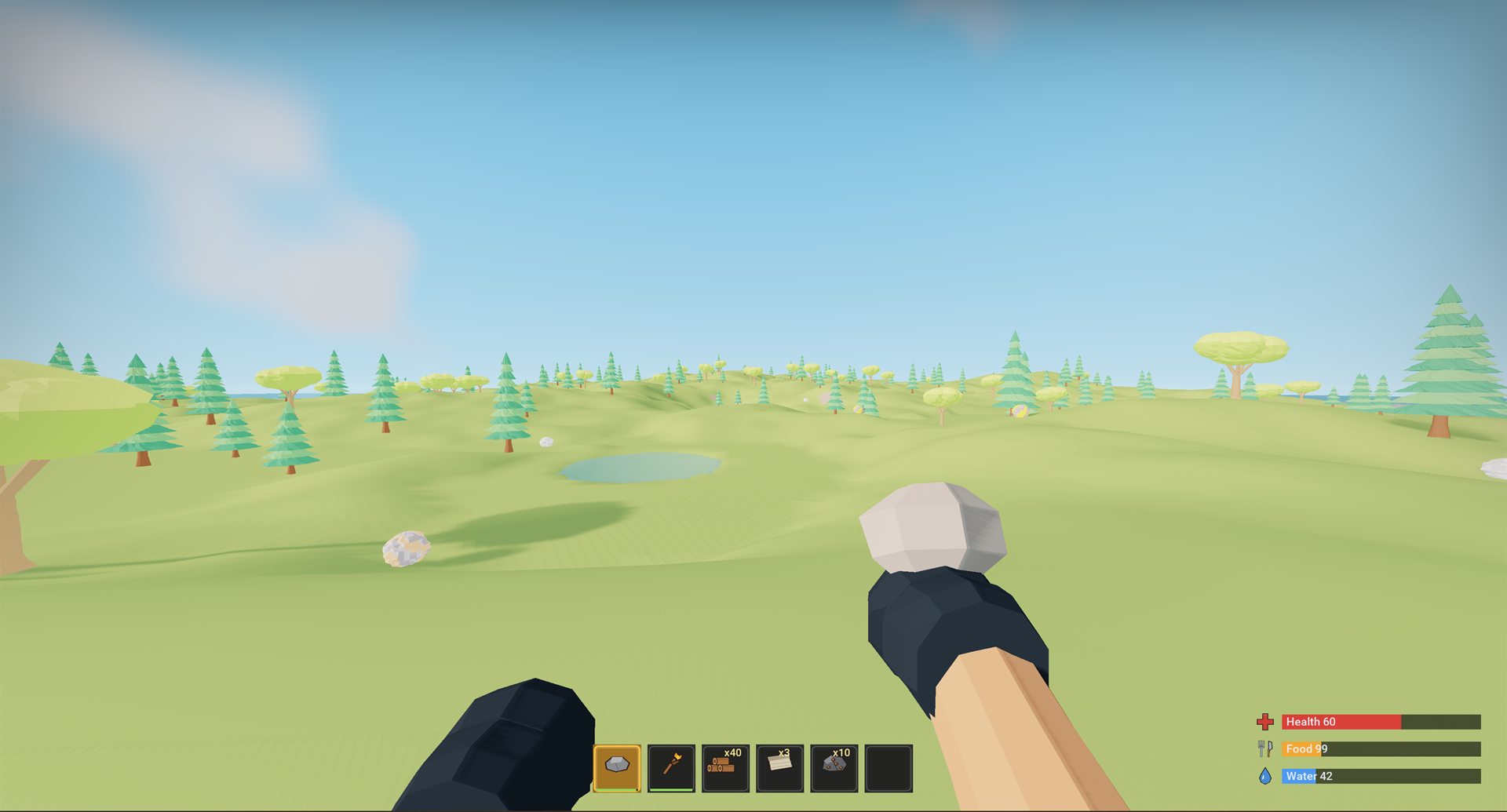
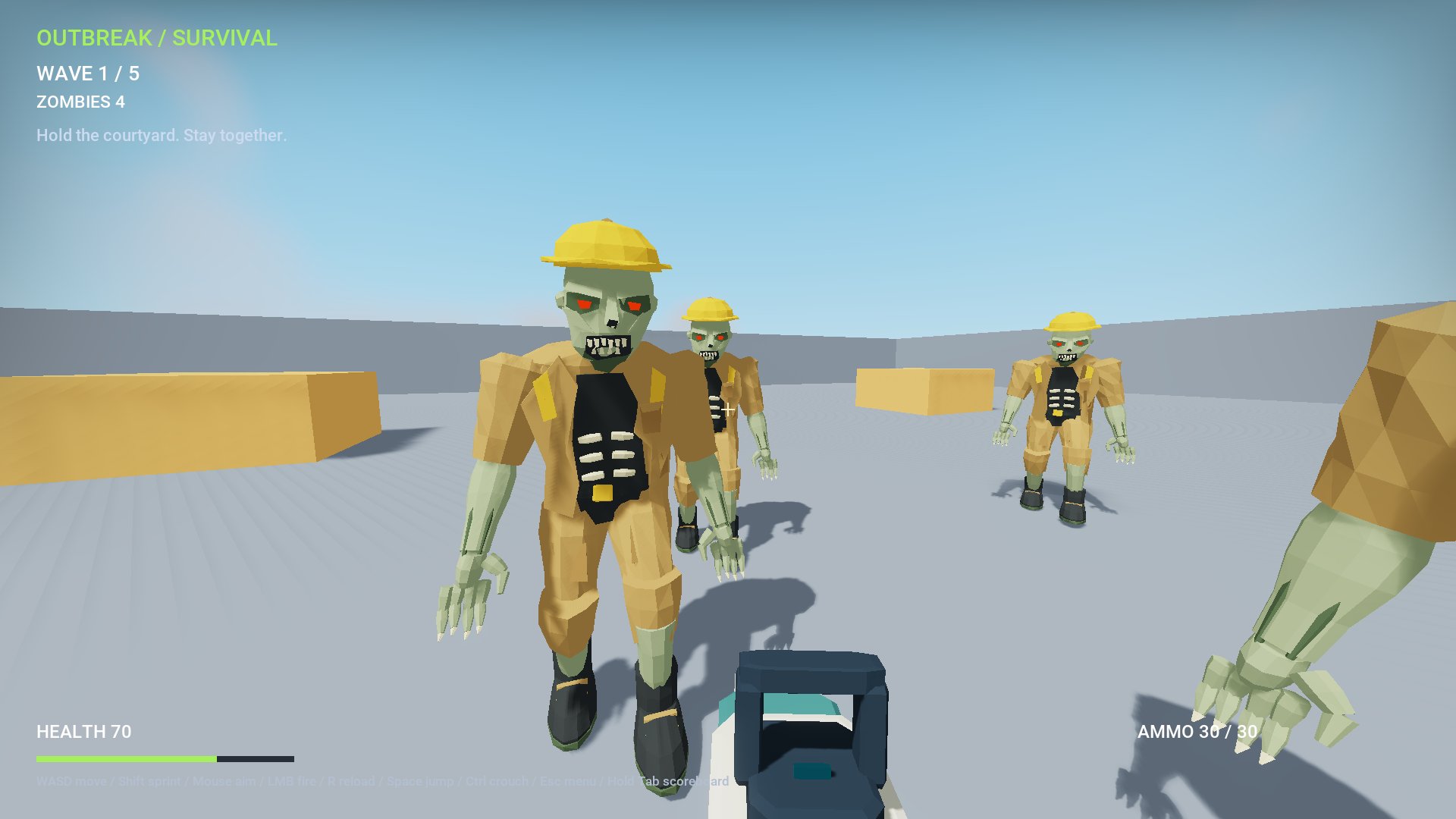
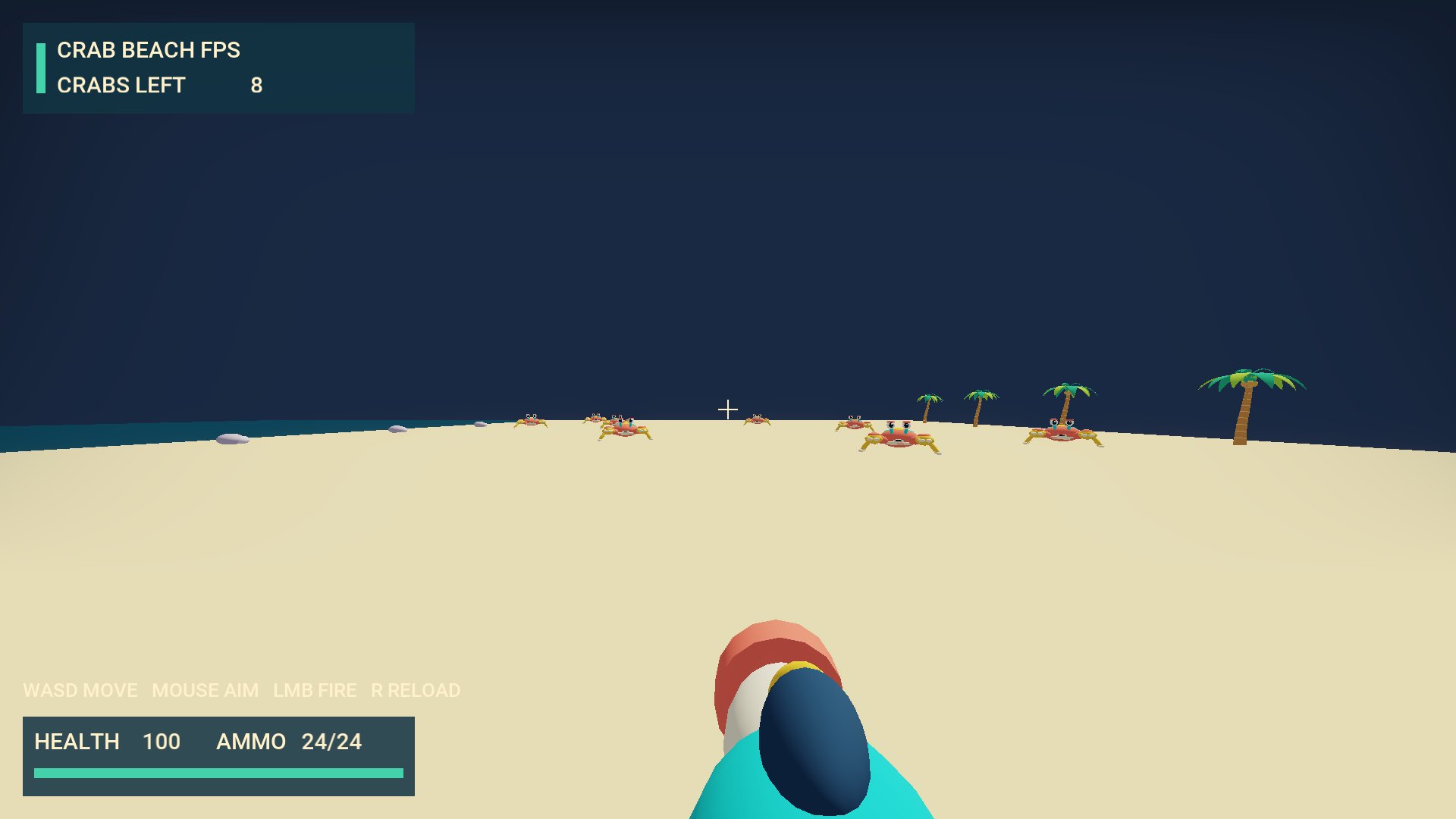
Ferrite SDK will launch on Steam in Early Access. Updates, templates and documentation will ship through Steam as the engine evolves. Follow the store page to get notified the day it goes live.
The SDK is built from an explicit allowlist. Every binary is recorded with a SHA-256 receipt, and every third-party notice is included. It contains no engine source, headers, libraries or debug symbols.
| SDK | Full | |
|---|---|---|
| Schematic projects | Yes | Yes |
| C# projects | Yes | Yes |
| Editor, Hub, CLI, Cooker | Yes | Yes |
| Package to standalone build | Yes | Yes |
| DX12, Vulkan and Metal | Yes | Yes |
| Windows, macOS, Linux · x64 and ARM64 | Yes | Yes |
| Native C++ game modules | No | Yes |
| Engine source and headers | No | Yes |
| Editor plugins (.femplugin) | No | Yes |
| Needs a C++ toolchain | No | Yes |
The full engine with C++ access is a separate, private distribution. Projects made with the SDK open unchanged in it.
Windows, macOS or Linux on an x64 or ARM64 machine with a DirectX 12, Vulkan or Metal capable GPU. C# projects also need the .NET 10 SDK.
# 1. install Ferrite SDK from your Steam library

# 2. run setup once from the install folder
...\steamapps\common\Ferrite SDK\install

# 3. (C# only) install the .NET 10 SDK from Microsoft

# 4. open Ferrite Hub and create a project
Setup registers the Steam install folder as your engine root. Steam keeps the tools, runtime and templates up to date.
ferrite new MyGame --template CrabBeachFPS --path D:\Projects
ferrite open     D:\Projects\MyGame\MyGame.femproj

# in the editor: edit, press Play, then Package Project.
# output lands in Saved/StagedBuilds/<Platform>/Release/MyGame/
# with the game executable, cooked content and an archive

ferrite package  D:\Projects\MyGame\MyGame.femproj
Packaging is transactional. A failed cook, copy or validation step leaves your previous build untouched.